
Connect
Bring relevant data into Power BI.
Corporate programme
Useful dashboards begin with a clear business question and reliable data.
Participants need to understand how data is connected, transformed, modelled and presented before a report can support better decisions.
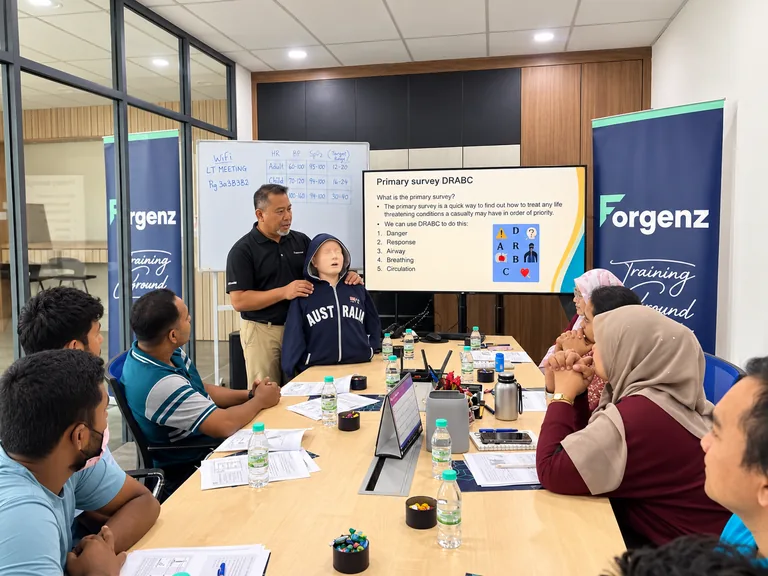
This programme develops practical Power BI capability through hands-on work.
Programme overview
Power BI combines data preparation, modelling, calculations, visualisation and interpretation.
The programme can be adapted for participants beginning with Power BI or those needing stronger reporting capability.
The focus is practical report building and business insight, not Microsoft certification.
Final programme details, duration and activities will be confirmed in the proposal.
Why it matters
Reporting becomes more useful when data preparation is repeatable, relationships are clear and visuals answer the questions decision-makers actually have.
Repeatable transformation can reduce manual cleaning.
Clear relationships support more reliable analysis.
Reports should communicate priorities rather than display every available chart.
Participants need to explain what the data shows and what it does not.
Learning outcomes
Programme content
Final emphasis may be adapted according to participant responsibilities and organisational needs.
Clarify what the report needs to help users understand or decide.
Connect suitable files or sources according to the training environment.
Clean, transform and combine data repeatably.
Create tables and relationships that support analysis.
Build measures and calculations suited to the programme level.
Select and configure charts, tables, cards and filters.
Improve layout, hierarchy, consistency and usability.
Discuss sharing concepts according to organisational environment and permissions.
Read the report critically and connect insight with business questions.
Workplace application

Learning approach
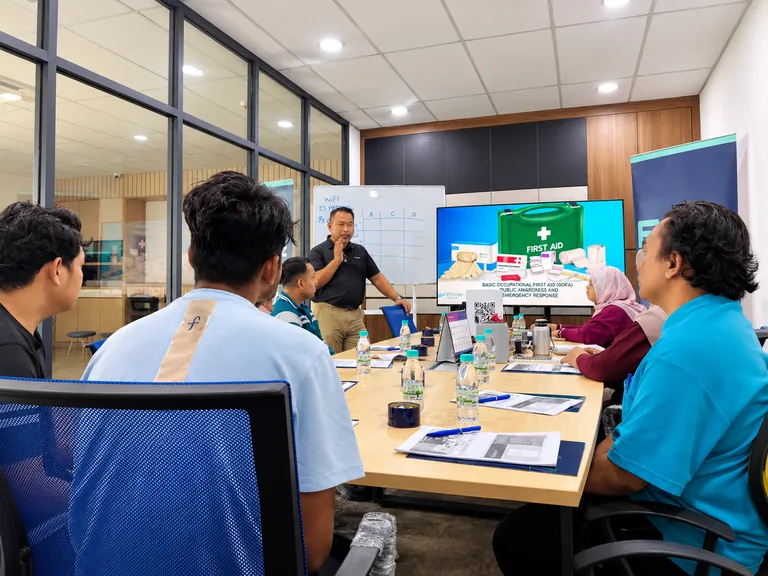
Participants work with realistic datasets, build reports and practise interpreting what their dashboards communicate.
Programme planning
The scope should reflect current skill, data familiarity and the reports participants need to build.
Build foundations in importing, transforming and visualising data.
Deepen modelling, measures, report design and interaction.
Use common business questions and dataset structures without requiring confidential data.
YOUR NEEDS SHAPE THE PROGRAMME.
Request a proposal →Delivery
Participants should have suitable laptops and access configured for the agreed exercises. Final technical arrangements are confirmed in the proposal.
FAQ
Employees and managers who prepare, analyse or communicate workplace data and reports.
Yes. The programme can be planned for participants who are new to Power BI, with greater emphasis on data import, Power Query, basic modelling and report building. More experienced groups can move further into measures, interaction and report design.
Basic spreadsheet and data familiarity can be useful. Required experience depends on programme level.
For hands-on Power BI Desktop exercises, participants should have suitable laptops and the agreed software access configured before training. Final technical requirements are confirmed during programme planning.
Yes. Data preparation and transformation are core areas.
DAX measures can be included according to participant level and scope.
Yes. Guided builds and individual dashboard practice are central.
No. They are related but separate capabilities with different strengths.
Yes. The programme can be shaped around relevant reporting questions, participant roles and typical data structures without requiring confidential company information to be used.
No. The programme does not claim Microsoft certification.
Suitable anonymised or recreated data may be used without exposing confidential information.
Duration depends on participant level, data complexity and practical depth.
Eligible employers can apply to use their HRD Corp levy for applicable programmes, subject to HRD Corp requirements.